Interactive Data
This page will contain links to our interactive data sets. The data is distributed
via Tableau Public. Worksheets contain a range of student, course and equity data
sets.
Interactive data for program review is still provided internally and can be accessed
by contacting Office of Research and Planning or Program Review Coordinator Rachel Purdie
We can also produce custom worksheets and views based on your data. Please contact
us for a discussion at research@solano.edu.
Online Factbook
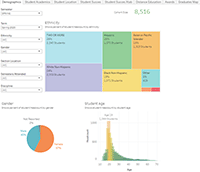
This worksheet contains demographic, student success, distance education and graduation data. The data can be filtered on a number of academic and student dimensions.
Online Factbook Worksheet (opens in a new window)
Labor Market Data

This worksheet contains Labor Market data for Solano County and California. Includes wage, openings and job growth data by occupation.